|
Installing The Program On Your
Computer
|
| Below are the steps for installing the program on your
computer. Click on the images to enlarge.
|
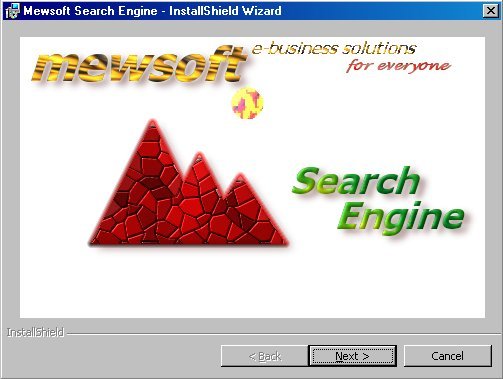
| Step 1: |

|
|
|
Figure (1). Windows Installer
Startup. Click Next.
|
|
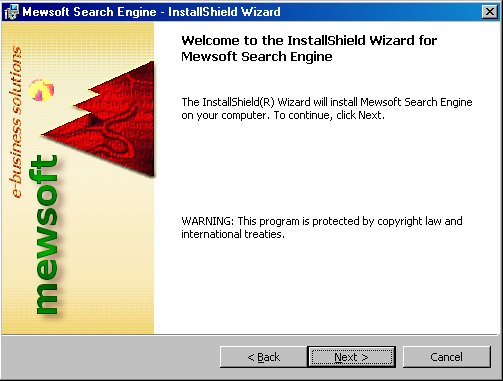
| Step 2: |
|
|
|
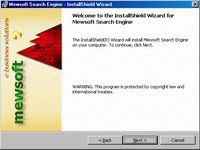
Figure (2). Windows Installer
Welcome. Click Next.
|
|
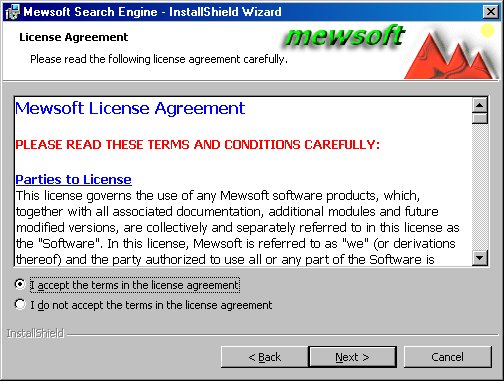
| Step 3: |
|
|
|
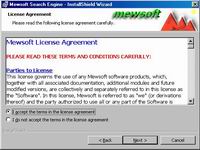
Figure (3). Windows Installer
License Agreement.
Click I Agree radio button, then
click Next.
|
|
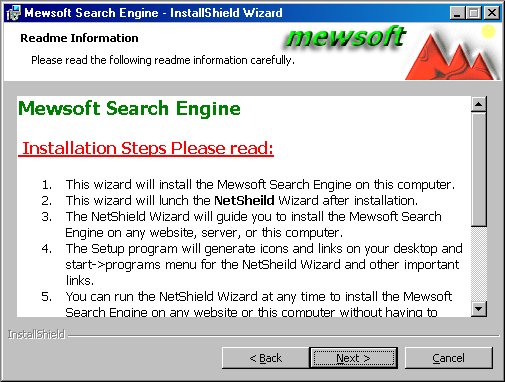
| Step 4: |
|
|
|
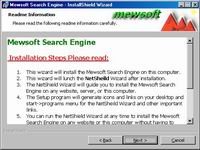
Figure (4). Windows Installer Read
Me File.
Please read these steps, then click
Next.
|
|
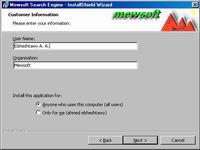
| Step 5: |
|
|
|
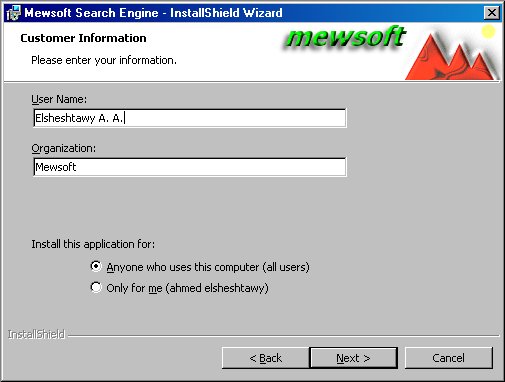
Figure (5). Windows Installer
Customer Information.
Enter the user information and click Next.
|
|
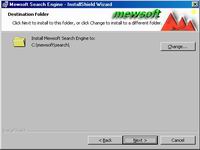
| Step 6: |
|
|
|
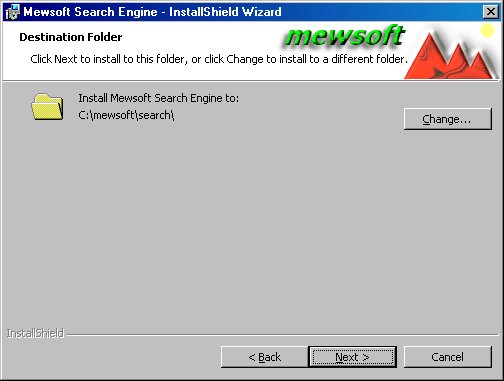
Figure (6). Windows Installer
Installation Folder.
Select the folder where the Windows
Installer will install the Software locally on your computer. The default
is [WindowsVolume]\mewsoft\search. Leave the default settings unless you
know what you are doing.
|
|
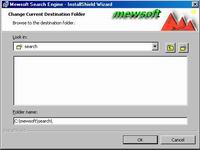
| Step 7: |
|
|
|
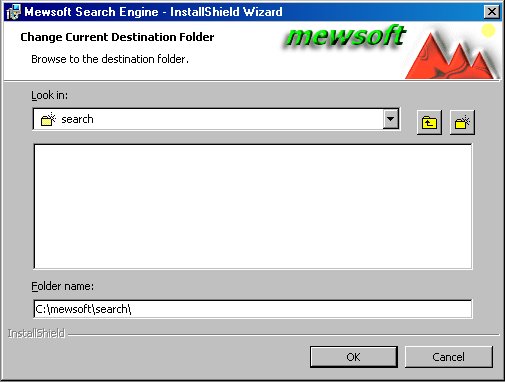
Figure (7). Windows Installer
Folder Selection.
Click the "Change..."
button to select another installation folder.
|
|
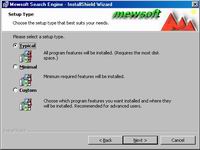
| Step 8: |
|
|
|
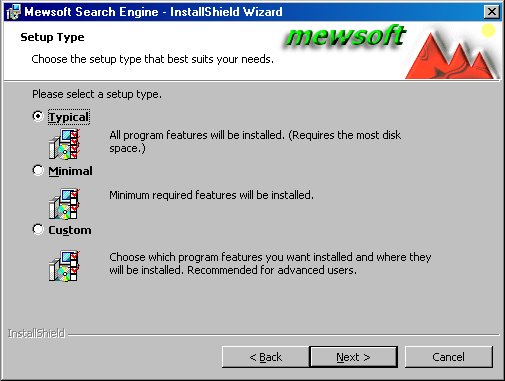
Figure (8). Windows Installer
Installation Type.
Select Typical and click Next.
|
|
| Step 9: |
|
|
|
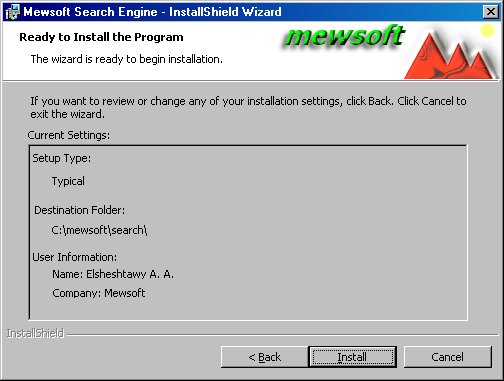
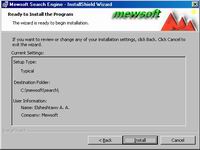
Figure (9). Windows Installer Ready
to Install.
Review the installation information
and click Next.
|
|
| Step 10: |
|
|
|
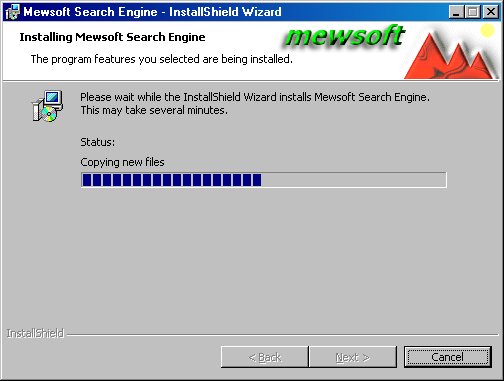
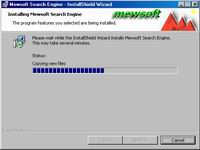
Figure (10). Windows Installer
Progress.
The installer will start installing
the program on your computer. Please wait until it finishes.
|
|
| Step 11: |
|
|
|
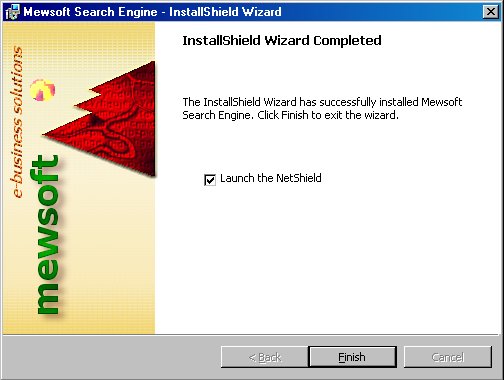
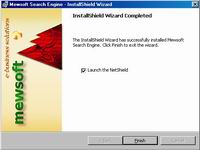
Figure (11). Windows Installer
Finished Installation.
The installer has now installed the
search engine on your computer at the location you choose.
Please check the checkbox
"Lunch The NetShield" program after you click the Finish button
(NetShield is a Mewsoft Product).
|
|
|
|
|
|
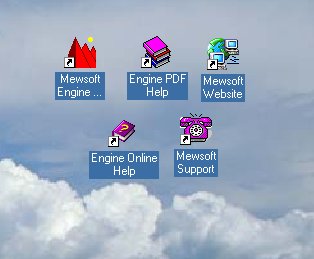
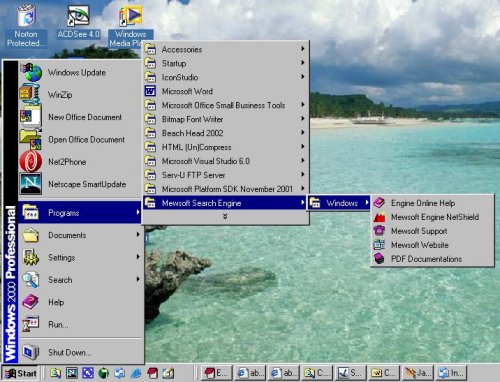
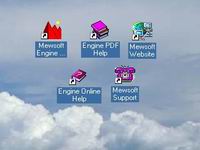
Figure (12). Windows Installer
Created Icons on Your Desktop.
|
|
|
|
|
|
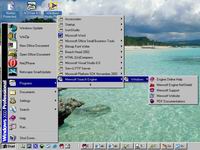
Figure (13). Windows Installer
Icons in Start->Programs Menu.
|
|
| Step 12: |
Now the windows installer installed
the program on your computer. The next step is to run the NetShield Wizard
which is already installed with the program on your computer. NetShield
Wizard will guide you to install the Program on any Website, Server,
that is connected to the internet or on the LAN, or locally on the
same computer.
Every time you want to install the
program on a Website, Server, or locally on the same computer, just run
the NetShield Wizard. |
|
|
Next
Step - NetShield Wizard >> |
|